Line
Show how values change over time
A line chart plots values over time. Use it to follow trends like player counts, page views, or error rates.
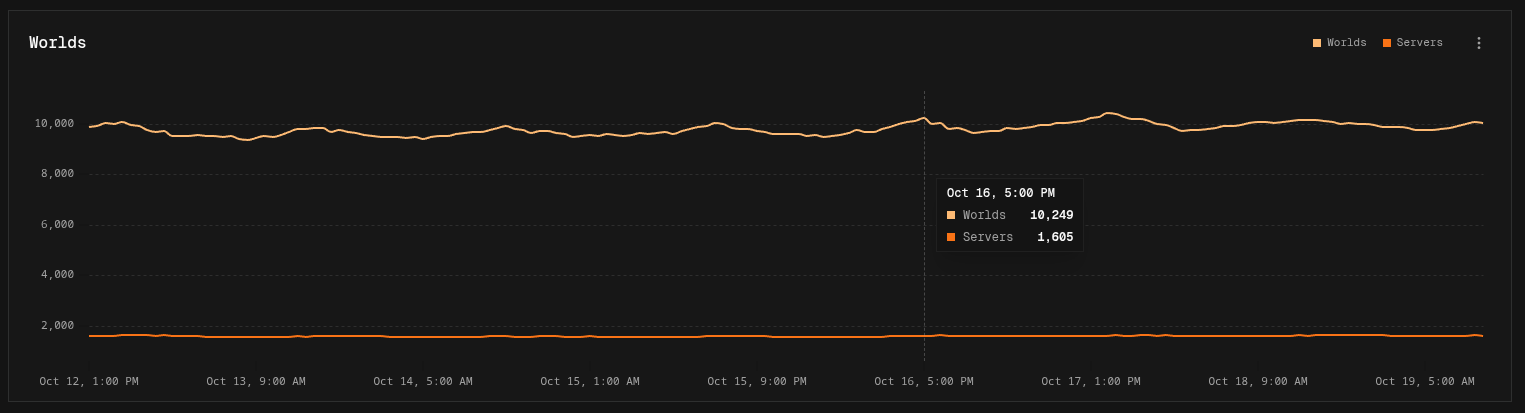
Building a line chart
- Easy mode: set Show to an interval (Auto, Minute, Hour, Day, Week, or Month). Each series becomes a line. Pick a Breakdown to draw one line per group instead, for example one line per game version.
- Canvas mode: add a Time Group node to each pipeline. Each Output node becomes a line. See Output & Multi-Series.
Turn on Running total in Easy mode (or Cumulative on the Time Group node) to make each point add up every point before it.
Display options
| Option | Default | Description |
|---|---|---|
| Logarithmic Scale | Off | Spaces the value axis by orders of magnitude |
| Line Style | Monotone | Monotone (smooth), Linear (straight lines), or Step |
| Show Dots | Off | Draws a dot at every data point |
Line charts also support Values settings (unit, decimals, axis range, thresholds) and Event markers.