Bar
Compare values over time or between groups
A bar chart compares values, either over time (one bar per day, for example) or between groups (one bar per version or platform).
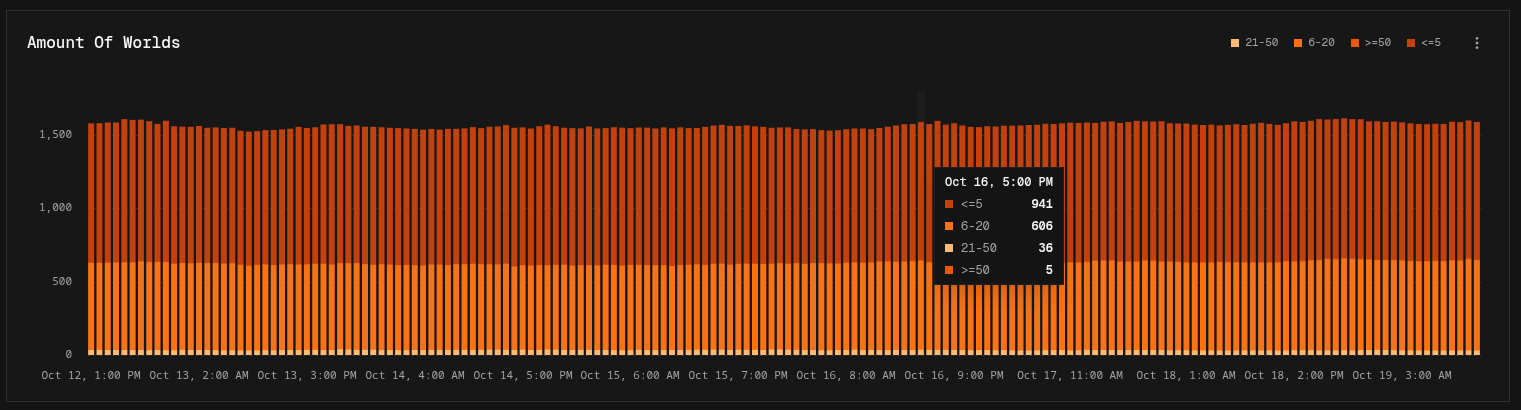
Building a bar chart
- Over time: in Easy mode, set Show to an interval. In Canvas mode, add a Time Group node.
- By group: in Easy mode, leave Show on Total and pick a Breakdown. In Canvas mode, add a Group By node.
Add more series (or Output nodes) to show several values per bar. See Stacked bar charts.
Display options
| Option | Default | Description |
|---|---|---|
| Logarithmic Scale | Off | Spaces the value axis by orders of magnitude |
| Orientation | Vertical | Vertical bars, or Horizontal bars for long group names |
| Stack Series | On | On: series are stacked in each bar. Off: series are drawn side by side |
Bar charts also support Values settings (unit, decimals, axis range, thresholds).